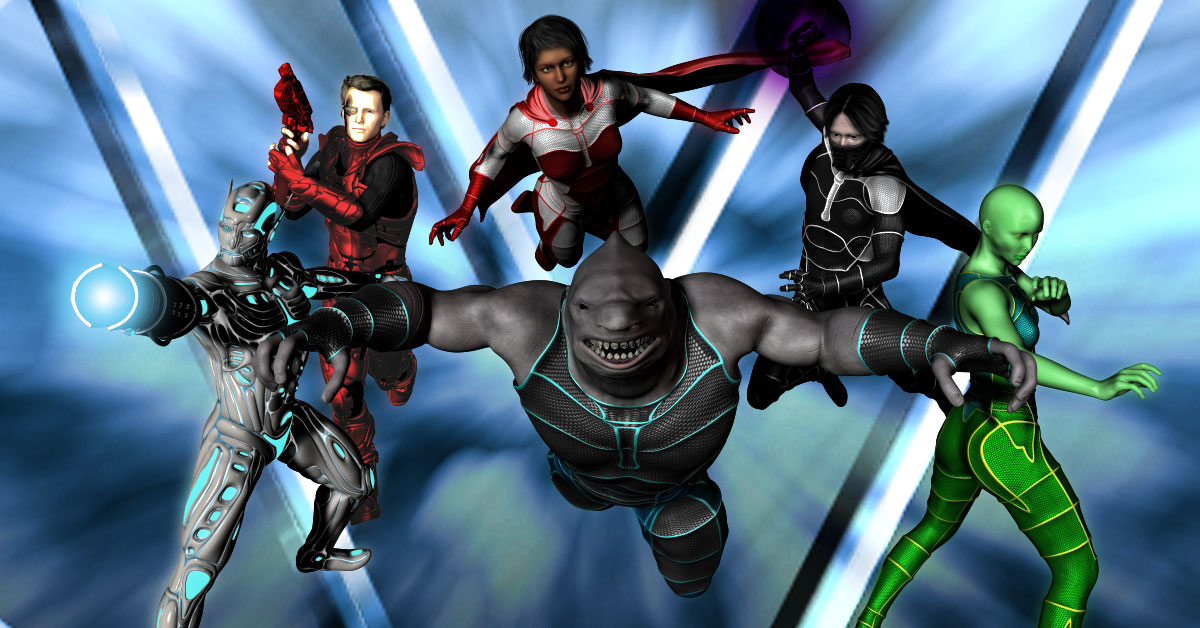
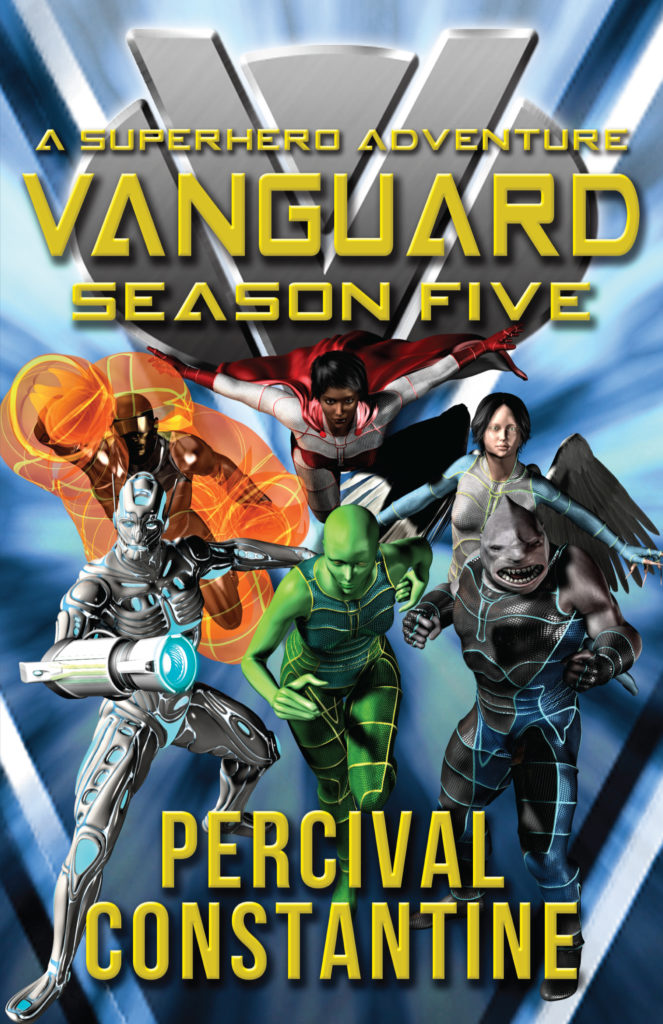
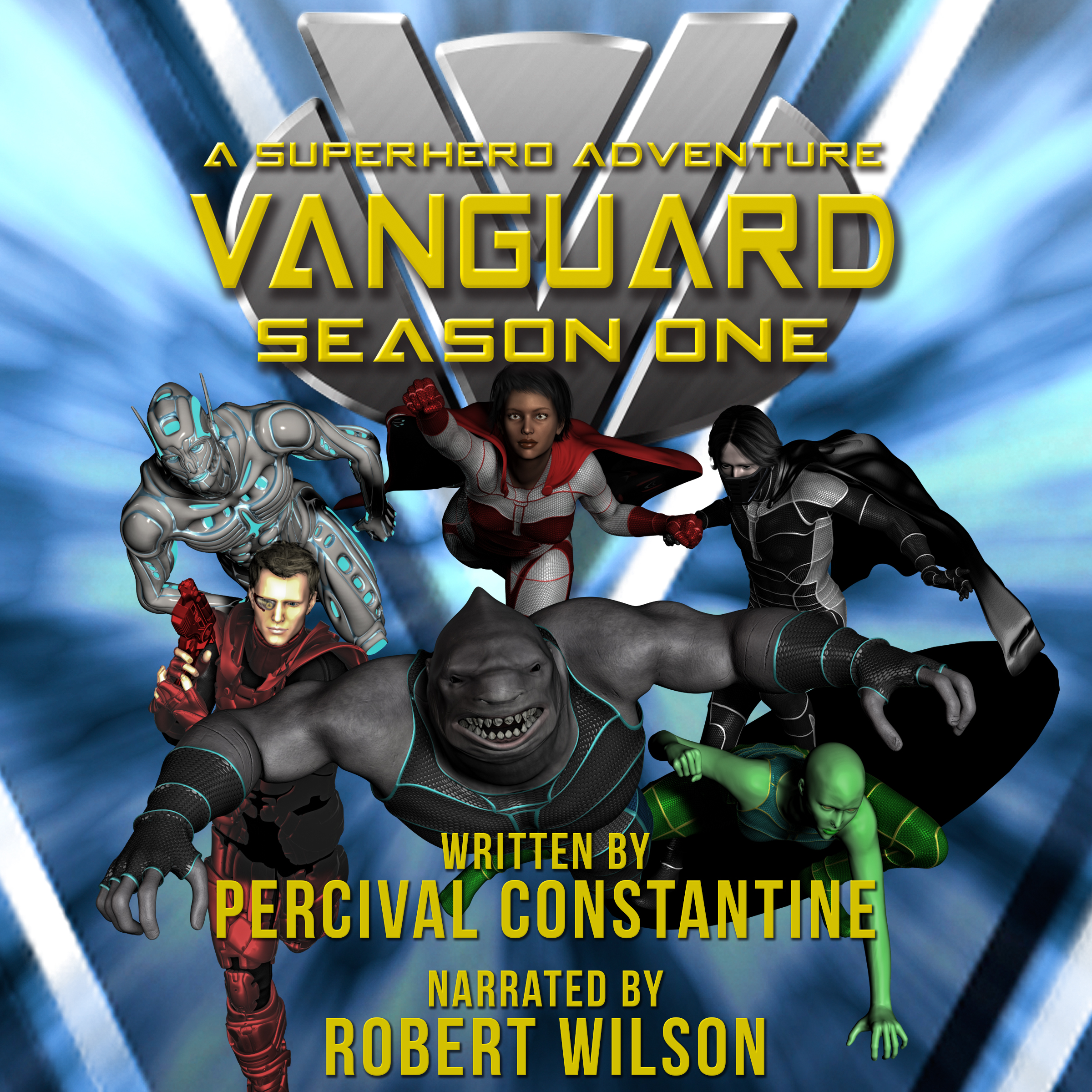
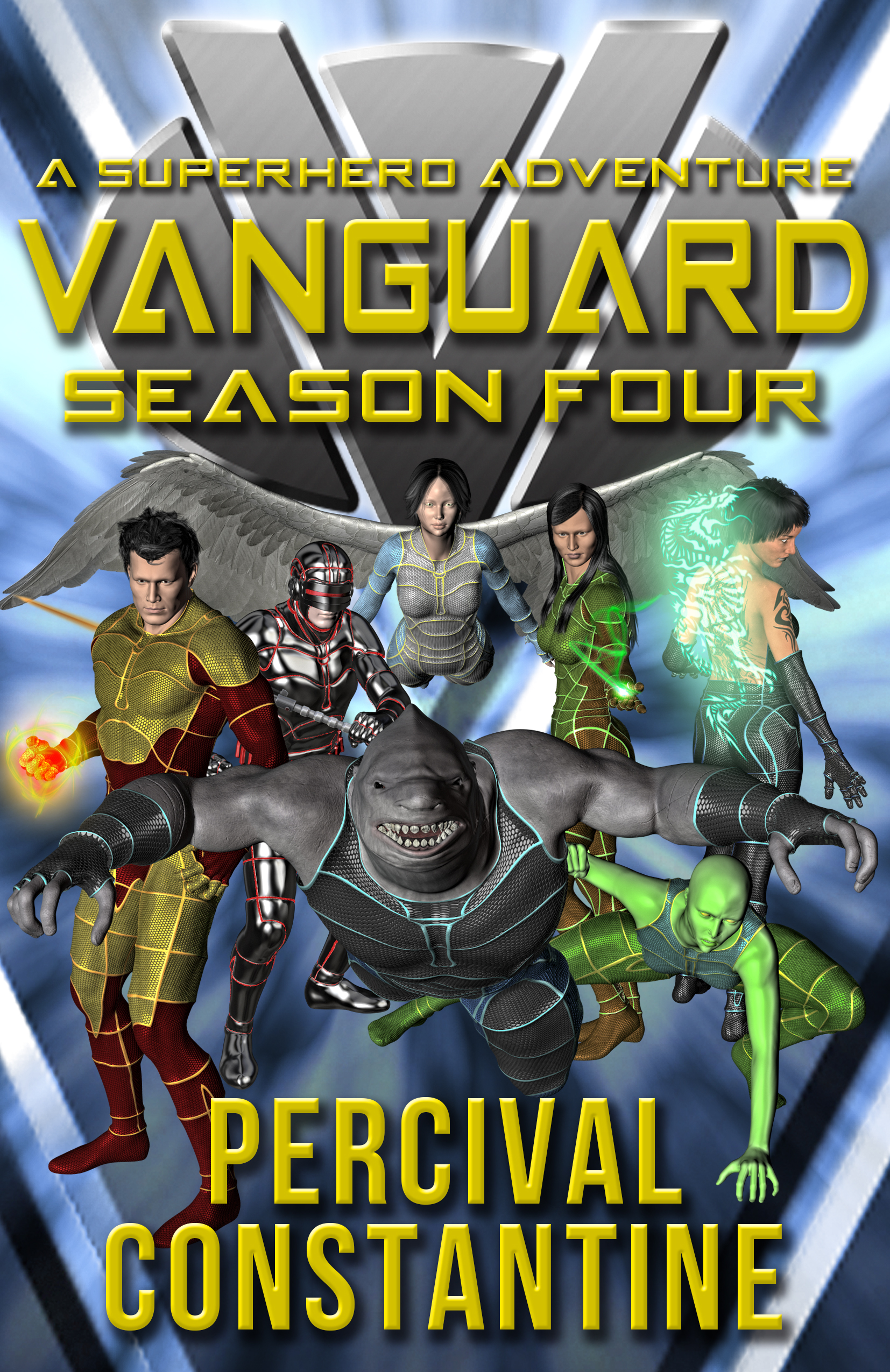
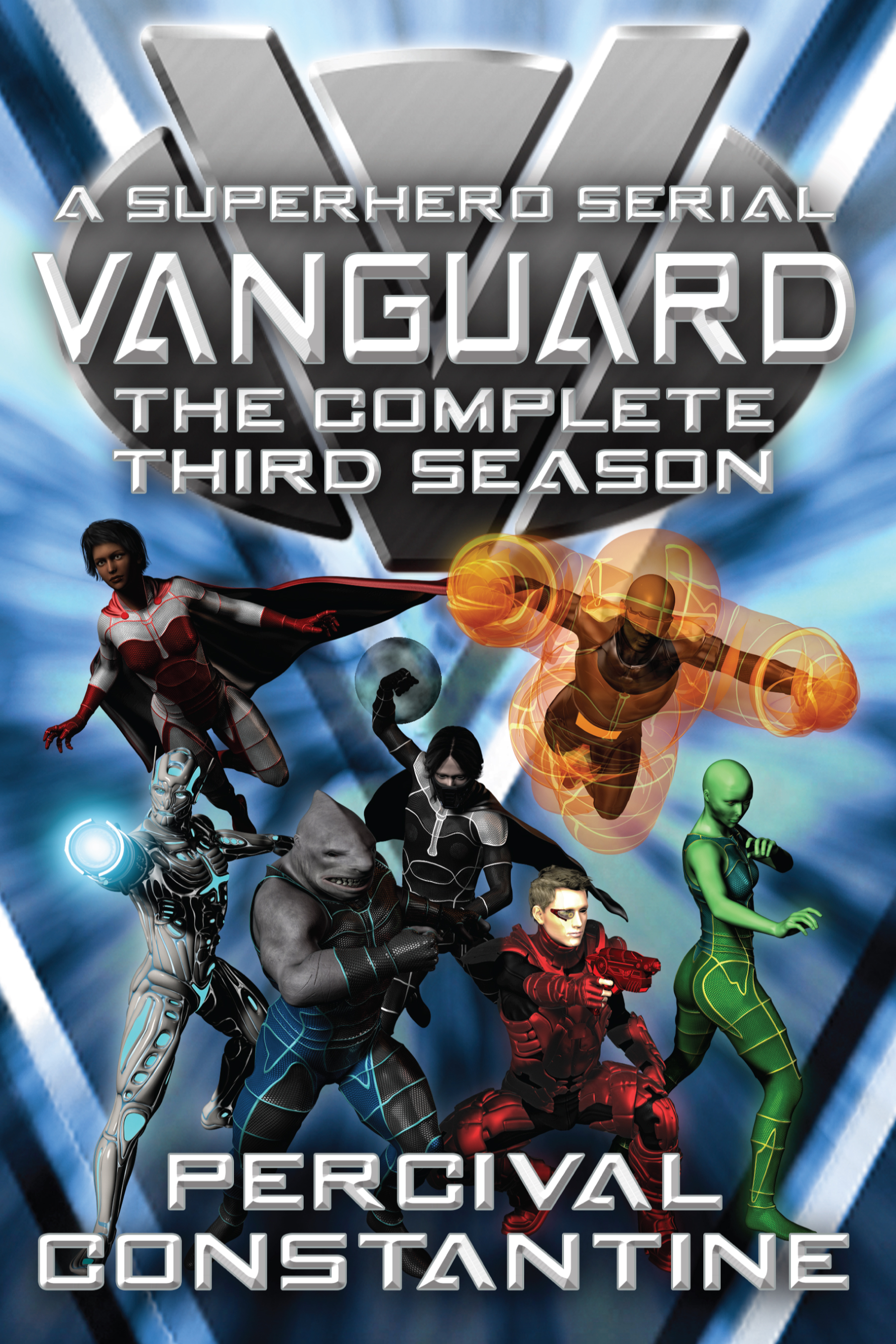
You may have noticed some new covers appearing for the Vanguard series. I recently made the decision to update the covers. I wasn’t quite sure how to do it. The first iteration of Season 1 featured comic book-style artwork by Mat Nastos and though it looked excellent, I got a number of comments from readers saying that it confused them. Some thought it was a comic book instead of prose and were thrown off. So I realized I had to do something different.
I looked at the cover art used on other best-selling superhero books and noticed that it was much more real-world. Almost none of them had the comic book-style, but instead adopted more of an urban fantasy approach. So photo manipulation or painted cover seemed the way to go. But painted covers are very expensive and I unfortunately couldn’t afford them. That left photo manipulation, which I can do pretty well.
But them the problem is how do I handle that? With most of the other superhero books, it focuses on a single character, so much easier to do. Mine is a team book, so what to do there? Do I only focus on one character at the expense of all others? And what do I do for the less-human characters like Sharkskin and Zenith? How to properly convey them on the cover?
The answer came in the form of movie/TV posters. Alphas was a SyFy TV superhero series inspired by the X-Men. For their promotional posters, they chose to combine headshots of the main characters in order to make the poster. This seemed like something that was doable.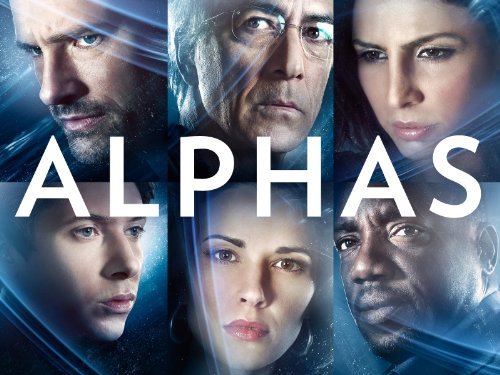
Of course, I quickly realized I was at a disadvantage from Alphas. For one, I didn’t have the benefit of having the same lighting or background used for all the characters. And two, I didn’t have the benefit of being able to take multiple shots of the same models. Some models I was able to find more than one photo of, but others I couldn’t. So that meant I had to mix and match a bit, use other characters for successive covers.
That’s when I discovered DAZ Studio, a program used to create 3D artwork. The program is free to use and assets can be bought from their store. I played around with it for a while, ran through the tutorials, and then decided to buy some assets and use them in the creation of the new covers.
It took a lot of work. I was working at this almost from morning to night most days over the past two weeks. I’ll need to eventually invest in a more powerful computer to take full advantage of the program’s potential, but I’ve managed to do some impressive work so far. The background was created in Photoshop through a lot of trial and error.
Take a look and see for yourself.
[mybooktable series=”vanguard”]
Not bad, huh?
I’m really proud of these new covers and hope they lead to increased sales. I think they do a great job of conveying the tone of the books a whole lot more.
If you’re an author and you’re thinking of doing something similar, DAZ Studio can quickly get very expensive by buying assets. But I think it’s useful to learn how to do these different things, even if you’re only doing it for fun and not with the aim of creating your own covers.


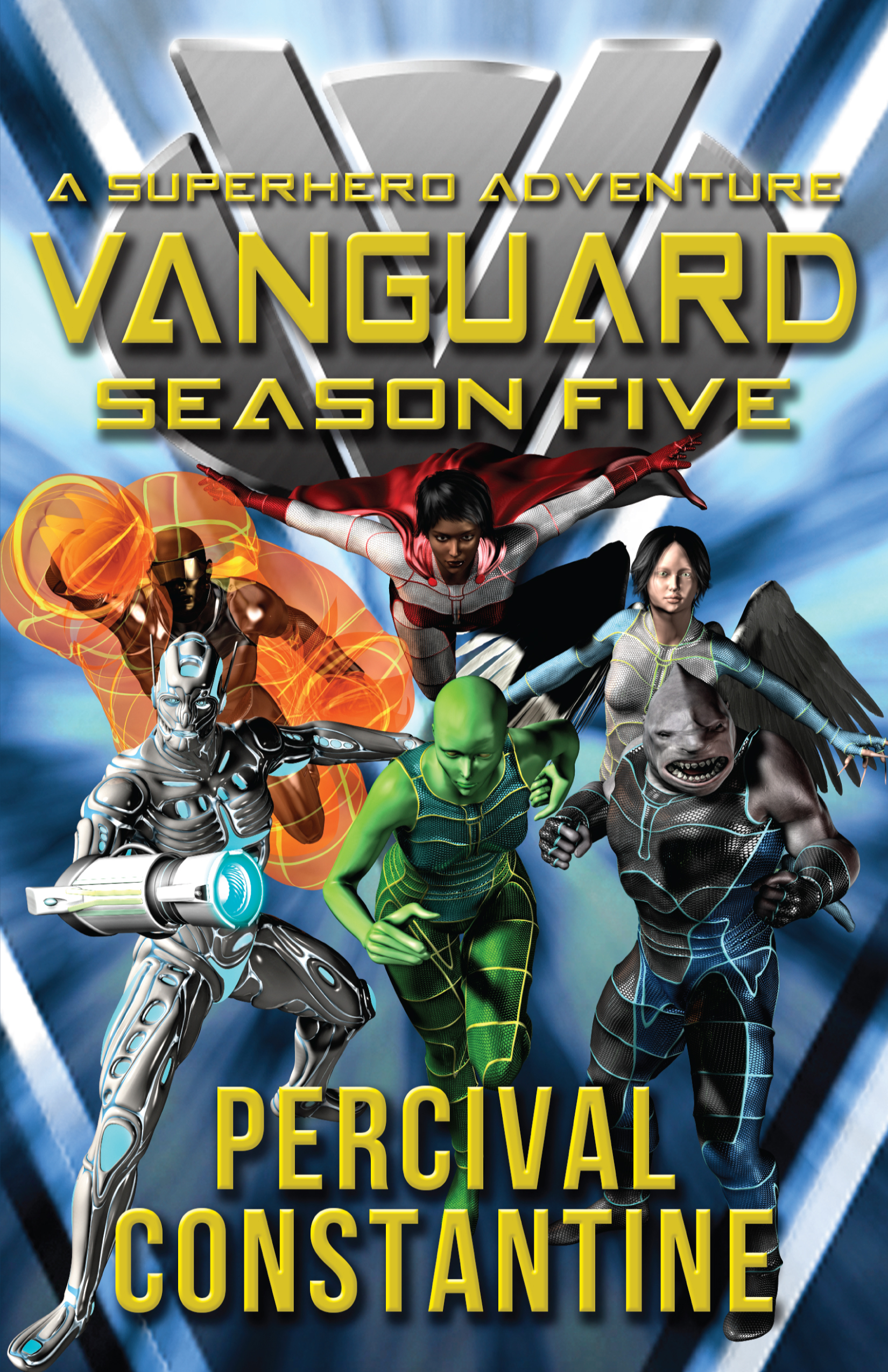


 A new arrangement between Vanguard and Cerberus angers an old enemy…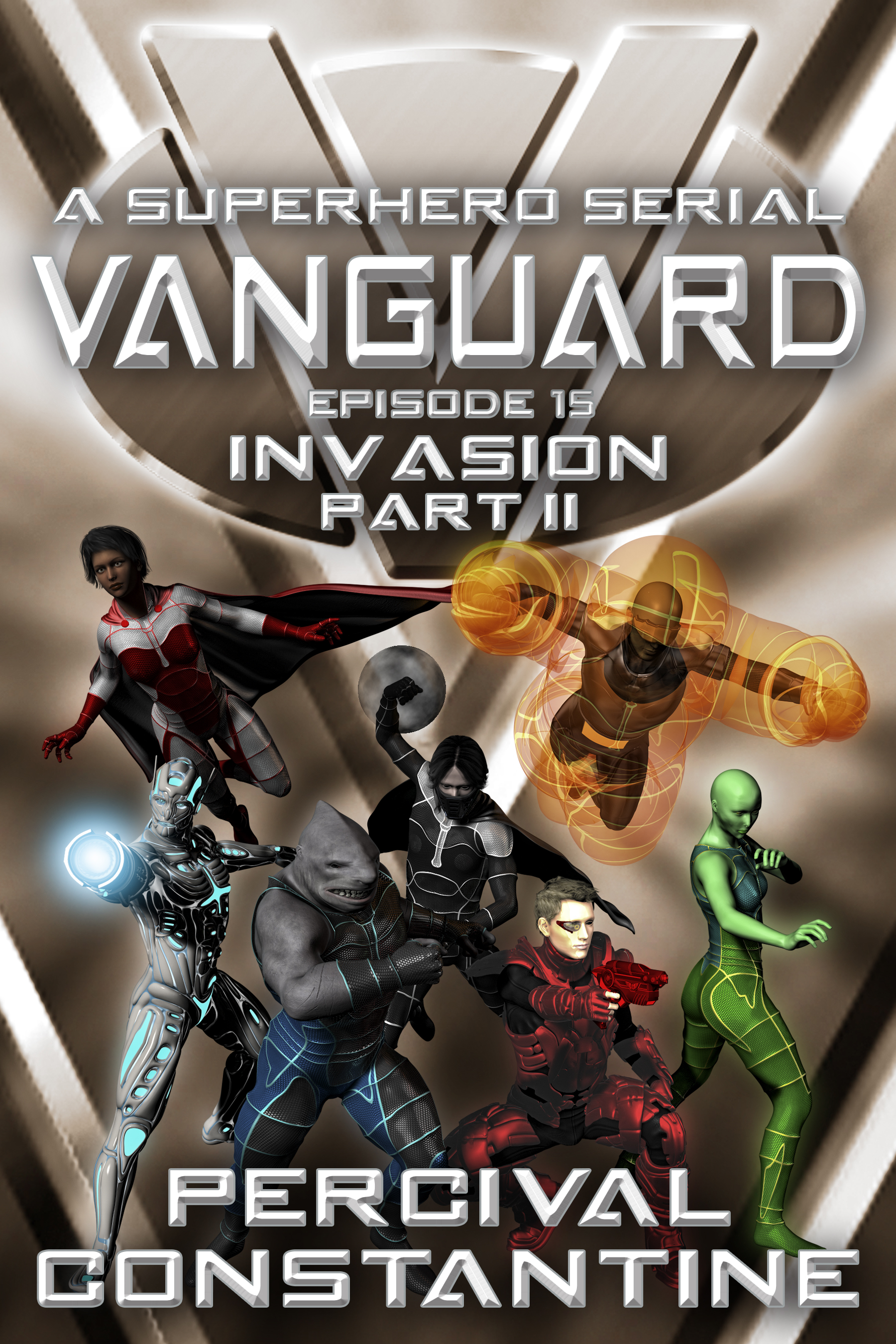
 The third season of Vanguard has had quite a lot of twist and turns so far. Not only this season, but the series as a whole has all been building up to this very episode!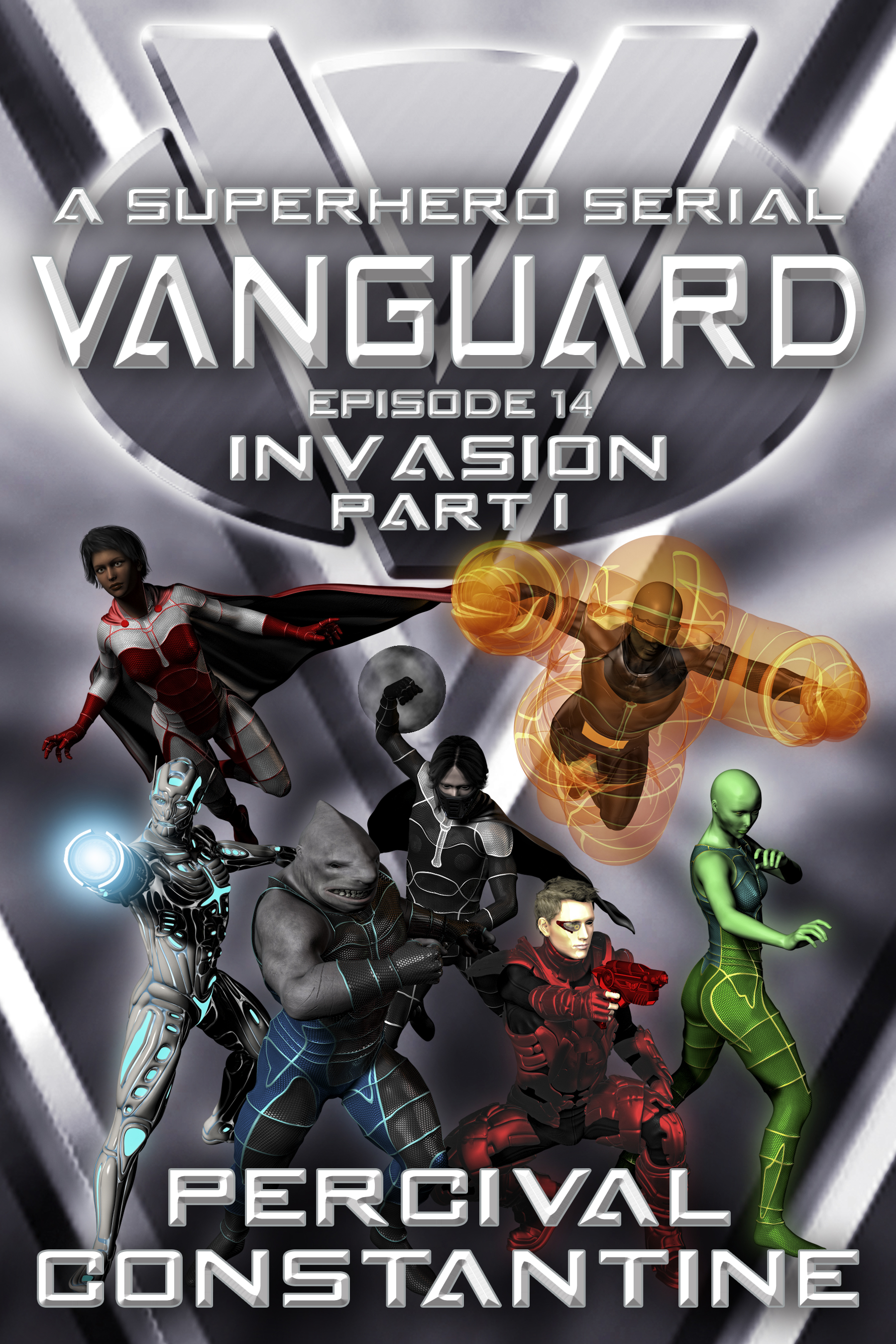
 The invasion begins!